WAV vs MP4: Audio Format vs Video Container Explained
WAV vs MP4 — one is pure uncompressed audio, the other is a multimedia container. Learn what actually separates them and when each format fits your workflow.
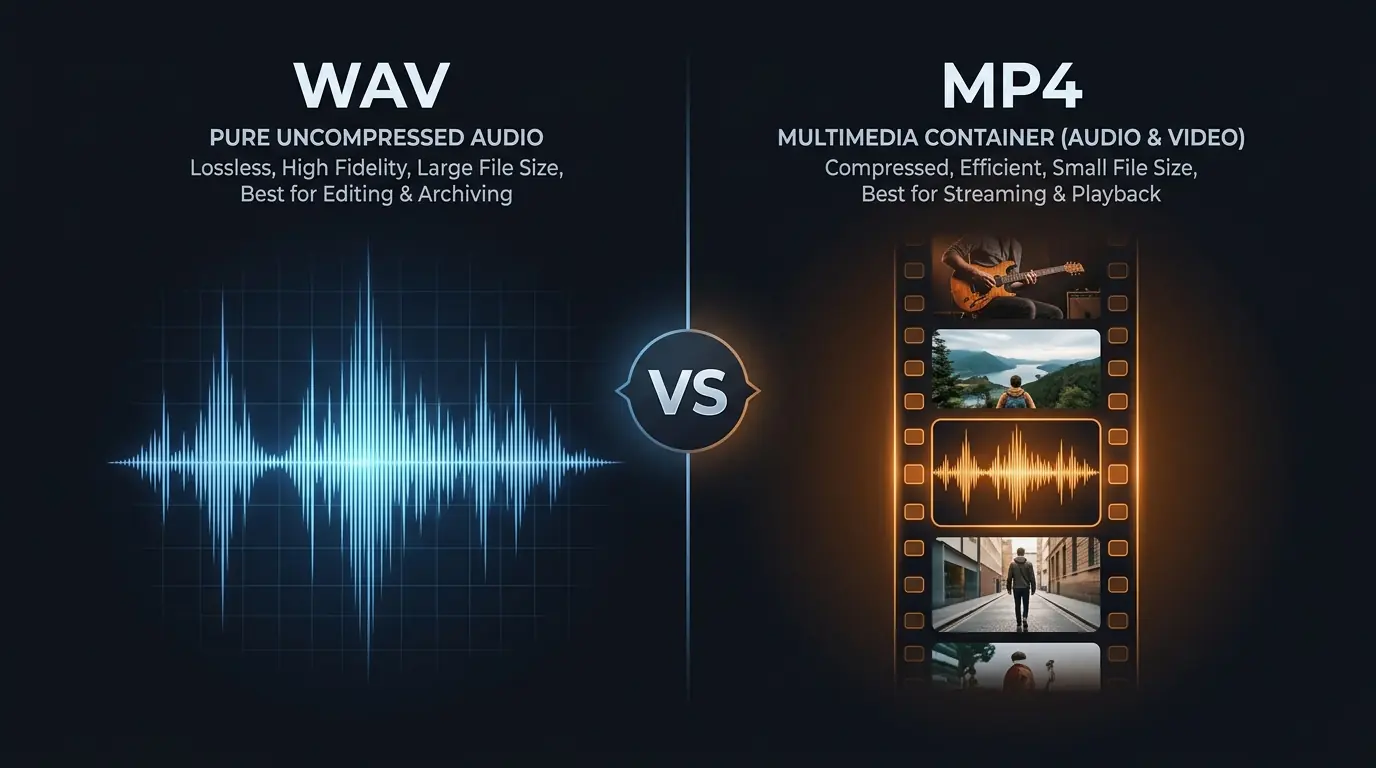
Comparing WAV vs MP4 feels a bit like comparing a photograph to a photo album. One is a single, specific thing — raw audio data, nothing else. The other is a container that can hold audio, video, subtitles, metadata, and even chapter markers all bundled together. They're not really in the same category, and yet this comparison comes up constantly because people encounter both formats when downloading content from YouTube or working with media files. Fair enough. Let's sort it out properly.
What WAV Actually Is
WAV (Waveform Audio File Format) is about as straightforward as digital audio gets. Microsoft and IBM designed it back in 1991, and the format has barely changed since — because it doesn't need to. A WAV file stores audio as raw PCM (Pulse Code Modulation) data. No compression, no encoding tricks, no psychoacoustic models deciding what your ears can and can't hear. Every single sample captured by the recording goes into the file exactly as-is.
At CD quality — 16-bit depth, 44,100 Hz sample rate — a stereo WAV file runs at 1,411 kbps. That works out to about 10 MB per minute of audio. Bump it to studio-grade 24-bit/48 kHz and you're looking at roughly 16.5 MB per minute. A full 4-minute song? Somewhere between 40 and 66 MB depending on the settings.
That's the tradeoff with WAV. You get absolute fidelity — the audio equivalent of a raw photo file — but the files are enormous compared to compressed formats. There's a reason your phone doesn't store its entire music library as WAV.
Where WAV shines
Production. If you're editing audio in Ableton Live, Logic Pro, FL Studio, Audacity, or any DAW, WAV is the expected format. Every plugin, every effect chain, every time-stretch algorithm works best when it has complete, uncompressed sample data to process. Feeding compressed audio through a chain of effects compounds the artifacts — it's like sharpening a JPEG multiple times.
WAV is also the archival standard for studios. When a mastering engineer delivers final files to a label, they're sending WAV (or its close cousin BWF — Broadcast Wave Format). Not MP4. Not MP3. WAV.
What MP4 Actually Is (It's Not What Most People Think)
Here's where it gets interesting — and where most comparison articles drop the ball. MP4 is not an audio format. It's not a video format either, technically. MP4 (MPEG-4 Part 14) is a container format. Think of it as a box that can hold different types of media content inside it.
An MP4 file can contain:
- Video encoded with H.264, H.265 (HEVC), AV1, or other codecs
- Audio encoded with AAC, MP3, AC-3, ALAC, or Opus
- Subtitles (SRT, TTML)
- Chapter markers and metadata
- Even still images
When someone says they have an "MP4 file," they're really saying they have a container. The actual audio quality inside that container depends entirely on which codec was used and at what bitrate. A YouTube video downloaded as MP4 typically contains AAC audio at 128–256 kbps. An MP4 exported from Adobe Premiere might contain AAC at 320 kbps. An MP4 ripped from a Blu-ray could contain lossless audio. Same file extension, wildly different audio quality.
This is the single biggest thing that competitor articles miss: they compare WAV to MP4 as if MP4 has a fixed audio quality. It doesn't. The container is just a box.
The .m4a twist
You'll sometimes see audio-only MP4 files with the .m4a extension. These are literally MP4 containers with only an audio stream inside — no video track. iTunes Store purchases use this format (AAC at 256 kbps in an M4A container). Apple Music's lossless tier uses ALAC in an M4A container. Same box, different contents.
So when someone asks "should I download audio as WAV or MP4?" — the real question is "do I want uncompressed PCM audio, or compressed AAC audio inside an MP4 wrapper?" That reframing matters.
WAV vs MP4: The Technical Comparison
Now that we've established what these formats actually are, here's how they stack up in the areas that matter:
Audio Quality
WAV wins by definition. It stores audio without any compression — what went in is what comes out. An MP4's audio quality depends on its internal codec. AAC at 256 kbps inside an MP4 sounds very good — transparent to most listeners on most playback systems. But it's still lossy. Frequencies above 16–18 kHz get reduced, subtle reverb tails get simplified, and stereo imaging gets slightly narrowed compared to the original.
The gap becomes meaningful when you start processing. Apply EQ, compression, noise reduction, or pitch-shifting to an AAC-from-MP4 track and those lossy artifacts get amplified. Apply the same processing to a WAV file and you're working with complete data. The results are measurably cleaner.
File Size
Not even close. A 4-minute song at 16-bit/44.1 kHz WAV takes about 40 MB. The same song as AAC at 256 kbps inside an MP4 container? Roughly 7.5 MB. That's an 81% reduction. For video content, the comparison is even more lopsided — a 10-minute YouTube video as MP4 (video + audio) might be 80–150 MB, while extracting just the audio as WAV would be about 100 MB for the audio alone.
Storage adds up fast. A 64 GB flash drive holds roughly 1,600 WAV tracks or about 8,500 M4A tracks. For portable listening, MP4/M4A is the obvious practical choice.
Compatibility
Both formats work almost everywhere, but in different contexts. WAV is universally supported by audio software — every DAW, every audio editor, every operating system handles it natively. MP4 is universally supported by media players — every phone, every browser, every streaming platform, every smart TV plays MP4.
Where you'll hit friction: try importing an MP4 video file into a DAW to extract its audio. Some DAWs handle it fine (Logic Pro does), others won't touch it (Pro Tools expects WAV or AIFF). Meanwhile, try sharing a WAV file over WhatsApp or uploading one to Instagram — most social platforms don't accept WAV and will either reject it or silently re-encode it.
Metadata
MP4 is significantly better here. The MP4 container supports rich metadata through its atom/box structure: track titles, artist names, album art, chapter markers, lyrics, even embedded subtitles. This metadata is standardized and reliably read by all major media players.
WAV's metadata support is... complicated. The format technically supports INFO and LIST chunks for metadata, but support is inconsistent across players and software. Some apps read WAV metadata, many ignore it, and editing metadata in WAV files can sometimes corrupt the audio data if the software doesn't handle the chunk structure carefully. If tagging and organization matter to you, WAV is not the format for the job.
When to Use Each Format
Choose WAV when:
You're producing music, editing podcasts, creating sound design, or doing any work where the audio will be processed further. Also choose WAV when you need archival-quality copies of audio you can't re-obtain — if the source disappears, your WAV copy preserves everything that was there. When extracting audio from YouTube for sampling or remixing, WAV ensures you're not stacking compression artifacts on top of YouTube's existing AAC encoding.
Choose MP4 (or M4A) when:
You're distributing final content — uploading to social media, sending to clients for review, building a playlist for personal listening. Also choose MP4 when you need video and audio together, obviously. There's no WAV equivalent for video. And if file size is a constraint (email attachments, limited storage, mobile data), MP4/M4A is the pragmatic pick.
The hybrid approach most pros actually use
Here's what experienced producers and editors tend to do: work in WAV, deliver in MP4/M4A. Keep your session files, stems, and masters in WAV for maximum flexibility. When it's time to share, upload, or distribute, export to AAC (M4A) at 256 kbps for listeners, or render to MP4 for video. This way you've always got the lossless source if you need to re-export, re-edit, or repurpose the content later.
Why This Matters for YouTube Downloads
YouTube stores its audio as AAC inside an MP4 container — typically at 128 kbps for standard quality, up to 256 kbps for Premium subscribers. When you download a YouTube video, you're getting that MP4 container with its compressed AAC audio stream.
Here's the nuance most people miss: converting that audio to WAV doesn't magically restore the frequencies that AAC already discarded. What it does is give you an uncompressed copy of the existing audio that won't degrade further during editing. If you plan to import the audio into a DAW, apply effects, time-stretch it, or layer it with other tracks, starting from WAV means your processing chain works with clean, uncompressed data instead of re-decoding compressed AAC on every playback.
For producers who sample from YouTube — and there are a lot of them — this distinction is practical, not theoretical. The difference between importing an MP4's AAC stream directly versus importing a WAV conversion is the difference between one decode step happening inside your DAW (with potential compatibility quirks) and having a clean PCM file that every plugin handles identically.
YTtoWAV.org handles this conversion directly in the browser — paste a URL, pick 16-bit/44.1 kHz or 24-bit/48 kHz, and get a clean WAV file without installing anything.
A Note on MP4 Audio-Only vs. Dedicated Audio Formats
If you find yourself thinking "I just want small audio files that sound good," you're probably not actually choosing between WAV and MP4. You're choosing between WAV and a dedicated lossy audio format like AAC or MP3. The MP4 container is just the packaging.
For pure audio distribution, M4A (AAC in an MP4 container) and MP3 are the two dominant options. M4A at 256 kbps sounds slightly better than MP3 at 320 kbps while using less space. MP3 has broader compatibility with older devices. Both are fine for listening. Neither is appropriate for production.
WAV sits in a different tier entirely — it's not competing with MP4 on convenience or file size. It's the format you use when quality and editability can't be compromised.
FAQ
Can I convert MP4 to WAV without losing quality?
You won't lose any additional quality during the conversion — the WAV file will contain an exact, uncompressed copy of the audio that was inside the MP4. However, if the MP4's audio was encoded as lossy AAC (which it usually is), those frequencies were already removed before the conversion. You're preserving what's there, not restoring what was lost. Think of it as making a perfect photocopy — the copy is faithful, but the original was already edited.
Is MP4 audio quality good enough for music production?
Generally, no. MP4 files typically contain AAC audio at 128–256 kbps, which is fine for listening but introduces artifacts that get amplified during processing. If you're sampling, remixing, or applying effects, start with WAV. If you're just referencing a track for arrangement ideas or tempo-matching, MP4's audio quality is adequate.
Why do YouTube videos use MP4 instead of WAV?
Bandwidth and storage costs. YouTube serves billions of videos daily. A 4-minute video with WAV audio would need roughly 40 MB just for the audio track, versus about 3.8 MB with AAC at 128 kbps. Multiply that by billions of daily plays and the difference is staggering. MP4's container structure also lets YouTube bundle multiple quality tiers of video and audio into adaptive streaming formats, switching quality on the fly based on your internet speed.
What's the difference between MP4 and M4A?
Technically, almost nothing. Both use the same MPEG-4 Part 14 container format. M4A is simply an MP4 file that contains only audio — no video track. Apple popularized the .m4a extension to distinguish audio-only files from video files in iTunes. Your computer handles them identically; the different extension is just a labeling convention so you know what's inside without opening the file.
Related Articles
- WAV vs MP3 vs FLAC: Which Audio Format Should You Use? [2026 Guide] — definitive quality, size, and compatibility breakdown
- Audio Codecs Explained: MP3, AAC, Opus, FLAC & More — MP3, AAC, Opus, FLAC and how each encodes sound
- WAV Audio Format: Everything You Need to Know [Complete 2026 Guide] — complete guide to WAV specifications, history, and usage
- How to Convert YouTube Video to Audio (All Formats Explained) — all audio extraction methods compared
Related Articles
Keep reading — these posts cover similar topics you might find useful.
WAV Audio Format: Everything You Need to Know [Complete 2026 Guide]
The definitive guide to the WAV audio format — history, RIFF headers, PCM encoding, bit depth, sample rates, pros and...
WAV vs MP3 vs FLAC: Which Audio Format Should You Use? [2026 Guide]
WAV vs MP3 vs FLAC — a definitive comparison of quality, file size, bit depth, sample rates, and real-world use cases...
WAV vs M4A: Which Format for Music & Video?
WAV vs M4A — uncompressed audio or Apple's container format? Real file sizes, codec breakdowns, and practical advice ...